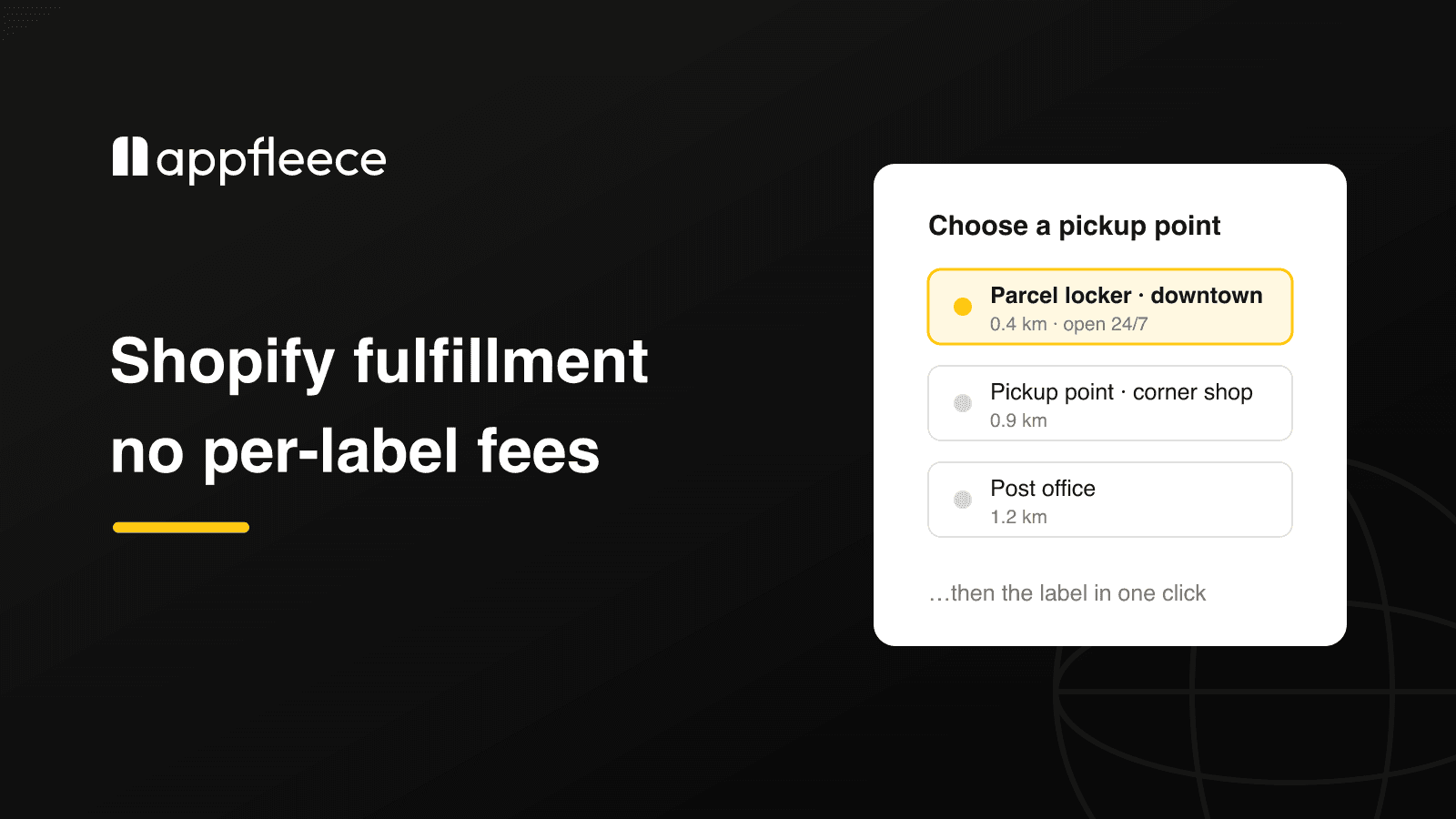
Packeta and its Complete Solution for Your Shopify Store 📦

Jan Nemec
Jan Nemec
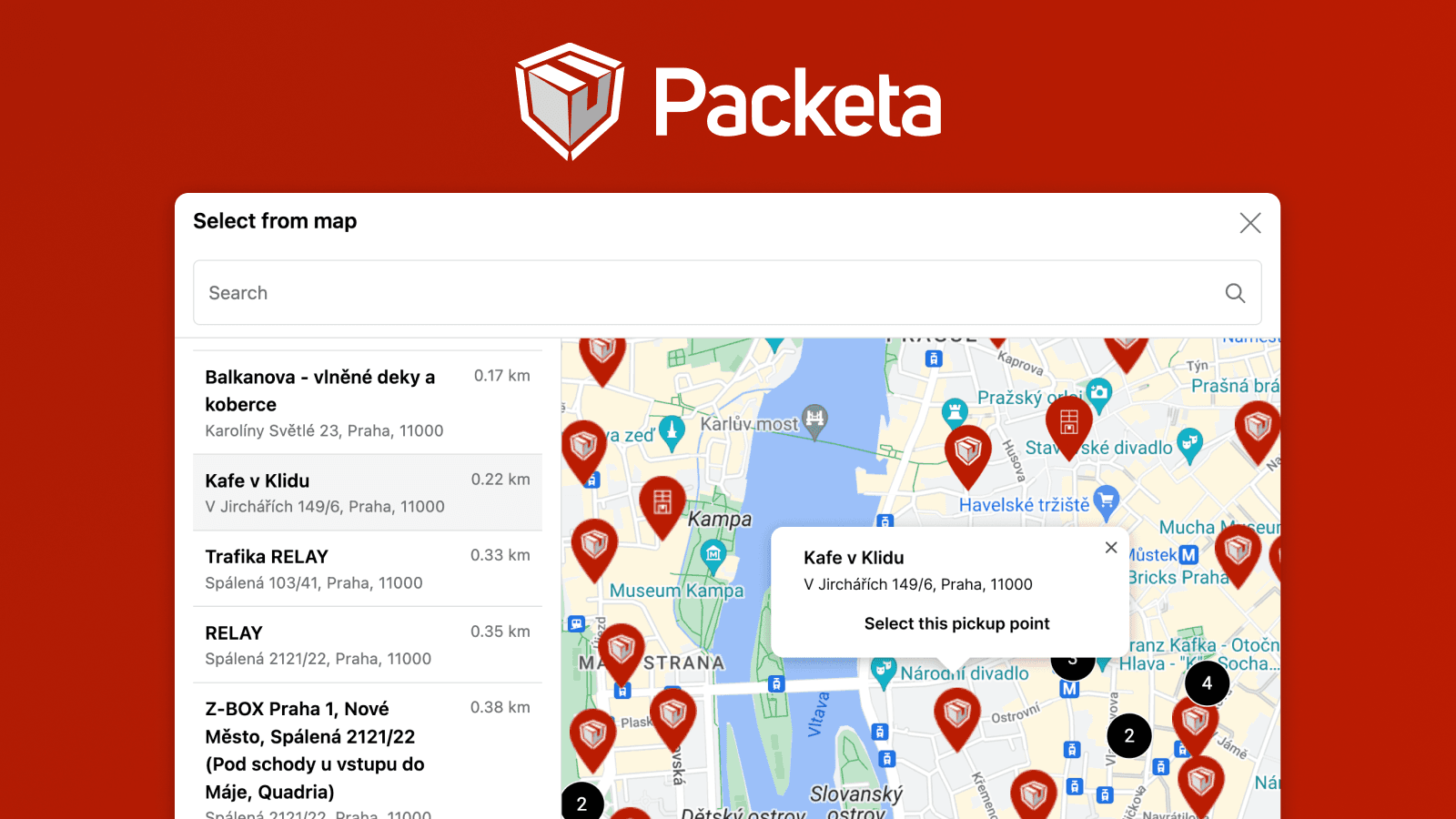
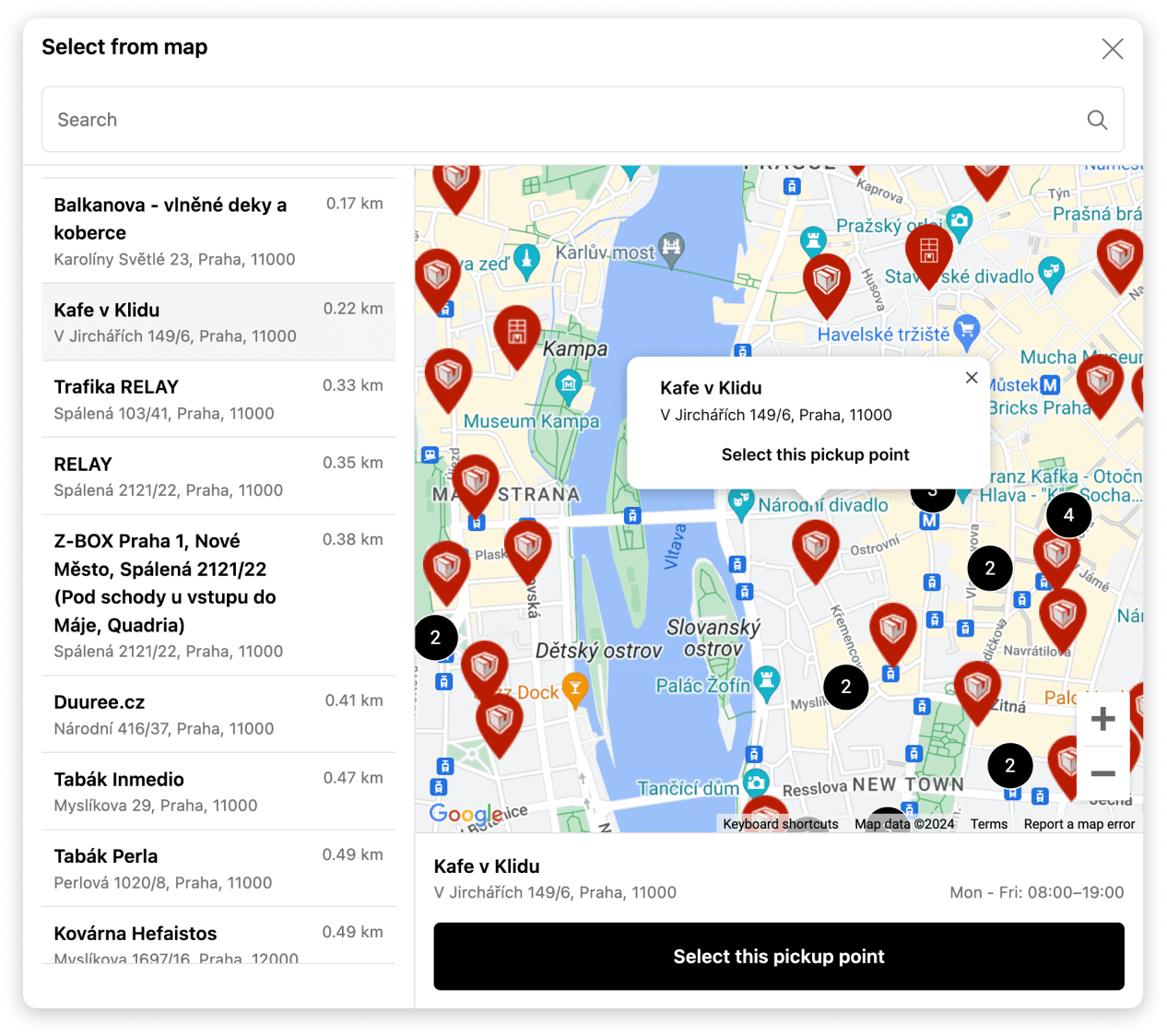
Map of Packeta pickup points in Shopify

Do you want to streamline the fulfillment process in your store and at the same time offer customers a more convenient shopping experience? Zásilkovna (Packeta) with direct API integration lets your customers easily choose their preferred pickup point and saves you time and effort managing orders. Forget about lengthy shipping tasks — our Shopify app Globe takes care of everything for you.

Main features of the Globe app

  • Direct export of orders to Packeta — export orders to your Packeta account directly from Shopify with one click. Forget about lengthy processes with CSV files.
  • One-click and bulk label printing — print a single shipping label, or labels for many orders at once, directly in your Shopify admin.
  • Fast, accurate pickup-point display — the direct Packeta (Zásilkovna) API integration shows only currently available pickup points with maximum speed and accuracy.
  • Automatic order rounding for COD orders — Globe handles small COD amount adjustments, ideal for cash payments in CZK.
  • Automatic multilingual reminder emails — if a customer forgets to select a pickup point, Globe sends multilingual reminder emails automatically.
  • Pickup-point selection everywhere it matters — in the cart, at checkout, on the thank-you page, and on the order-status page (see the next section).
  • Works with express checkouts — Shop Pay, PayPal Express, Google Pay, Apple Pay, and more.
  • 60+ carriers in one place — connect all major carriers (PPL, DPD, DHL, GLS, InPost, and many more) across 5M+ pickup points in 180+ countries, and manage all your logistics in one app.
Video tutorial of completing an order and selecting pickup points on the thank you and order status page and then exporting and printing labels in Shopify

Where your customers choose a Packeta pickup point

Globe gives you several places to let customers pick a point — use one or combine them:

  • In the cart, before checkout 🛒 The Globe cart widget lets customers choose a pickup point right on the cart page or cart drawer, with a built-in map, address search, and geolocation — before they ever reach checkout.
  • As Carrier-Calculated Shipping rates (no Maps key) 🧾 Globe can surface the nearest pickup points as individual shipping rates at checkout via Shopify's Carrier-Calculated Shipping (CCS), based on the customer's address — no Google Maps API key needed. (CCS is available on the Advanced and Plus plans.)
  • Inside the checkout (Shopify Plus) 🗺️ A full interactive map selection embedded directly in the Shopify checkout. This runs on the Google Maps API, so you add your own key.
  • Thank-you & order-status pages ✅ Selection (or a reminder) on the post-purchase pages — a reliable fallback for edge cases like express checkouts that skip the cart selection.

Setting up Packeta pickup points with Globe 🌍

  1. To display Packeta pickup points, install the Globe: Pickup Point Selection app from the Shopify App Store.
  2. Add a new shipping method for Packeta pickup points. In our example, we named them '📦 Packeta (Pickup Points)' and '📦 Packeta (Home Delivery)'.
  3. In the Globe app, select Packeta / Zásilkovna and assign the prepared shipping method designated for displaying pickup points. You can also activate notification emails in all your language versions, set up order export, and configure order attributes.
Setting up how to display Packeta (Zásilkovna) pickup points
  1. Add the Globe block (or the cart widget) to the surfaces you want — cart, checkout (Shopify Plus), thank-you, and order-status pages.
Video example of how to add the Globe block to the checkout pages

Do you need a Google Maps API key? 🗺️

Not necessarily — the key is optional. Here's the simple rule:

  • Cart widget and shipping-rate display: no key needed. Without any key, customers can still select a pickup point from a clean dropdown/list view.
  • In-checkout interactive map (Shopify Plus): this always runs on the Google Maps API, so Plus merchants who show the map selection inside checkout add their own key for the best experience.

If you do want the interactive map, adding a key is quick — see our documentation.

Example of setting up the Google Maps API key

More useful tips with the Globe app 🙌

While setting up Packeta in Globe, you'll notice it's just as easy to add pickup points for dozens of other carriers, making Globe a unique add-on for your store — all your shipping conveniently in one place.

Advanced features include automatic updating of the delivery address to the selected pickup point and the ability to configure custom order attributes, which makes integration with third-party apps easy and keeps your store running smoothly 🤗

Want the full Packeta breakdown? See the dedicated Packeta page on Globe.

Let's try Globe now for free

5.0rating
3 000+users
Globe worldwide pickup points integration for all major carriers on Shopify
  • Integrates with all carriers
  • Worldwide pickup points
  • Fast and precise display

Frequently Asked Questions

No — it is optional. The cart widget and the shipping-rate display work without your own Google Maps key, and without any key customers can still choose from a dropdown list. You only need your own key if you show the interactive map selection inside the Shopify checkout (Shopify Plus), which always runs on the Google Maps API.

Yes. With the Globe cart widget, customers pick a pickup point directly on the cart page or cart drawer — before checkout — using a built-in map, address search, and geolocation. The thank-you and order-status blocks remain available as a fallback for edge cases such as express checkouts that skip the cart selection.

Yes. Globe can surface the nearest pickup points as individual shipping rates at checkout, based on the address the customer enters — this needs no Google Maps API key at all. The full interactive in-checkout map selection is a separate option available on Shopify Plus.

Yes. Globe exports orders to your Packeta account in one click and prints shipping labels directly from your Shopify admin, including one-click bulk label printing — no more CSV juggling.

The cart widget, thank-you page, and order-status page work on every Shopify plan. The Carrier-Calculated Shipping (CCS) rate display requires the Advanced or Plus plan (or the Grow plan with the carrier-calculated shipping add-on), and the interactive selection embedded directly in the checkout is available on Shopify Plus.

Interested in collaborating on a project?