Add a Payment QR Code to the Thank-You Page Easily with the Payflow App 💸
•
Adam Charvat
QR code payments remain popular in the Czech Republic and Slovakia. They let customers pay invoices without manually rewriting payment details. For merchants, this also reduces errors and increases the chance the order is paid immediately after it is created.
Note: QR payments via bank transfer are a standard primarily in the Czech and Slovak markets. This guide is intended for stores serving customers in the Czech Republic and Slovakia.
In our previous article we showed you how to add a QR code to the confirmation email. Now we'll look at adding a QR code to Shopify directly on the thank-you page after an order is completed. This guide is intended for stores that have already upgraded to the new thank-you and order-status pages (mandatory by August 2026, and by August 2025 for Shopify Plus).
Prepare the following details:
For a CZK bank account: Your account number in the classic format
For a EUR bank account: Your account number in IBAN format
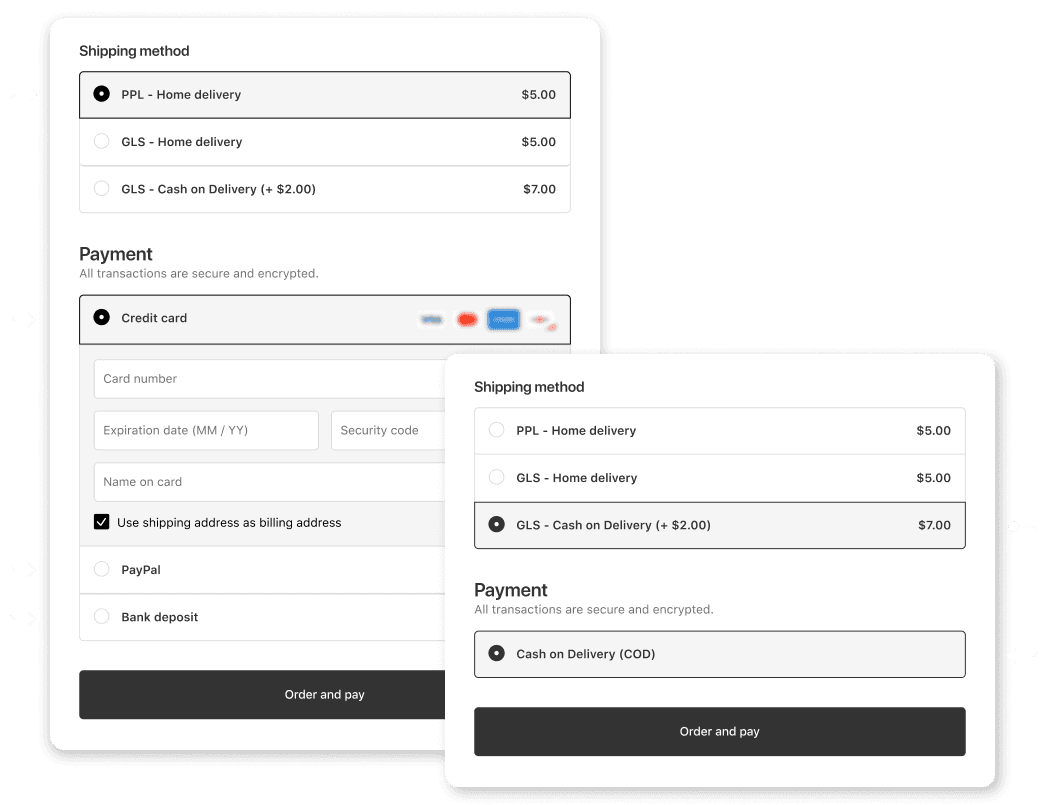
The Payflow app makes it easy to customize shipping and payment for your store. Based on several possible conditions, you can hide, rename, or reorder various payment and shipping methods.
If you don't have the app in your store yet, simply install it from the Shopify App Store.
Create a new customization and choose the Payment instructions option.
A template loads, so all you need to do is choose whether you use a Czech or Slovak QR code and add your account number.
Example of the setup in the admin
Likewise, choose which variable symbol you use; we recommend keeping the default setting and using the order number you see in the admin.
You can also define additional payment methods for which you want to display the QR code, e.g. if you don't use the default Bank Deposit (check under Settings > Payments in Shopify).
After saving the new customization, the app shows you a notice to add the app block on the thank-you page. Clicking it takes you to the editor, where you add the app block, and everything is set.
Example of adding a QR code to the thank-you page
We recommend testing with a test order after activation and scanning the QR code with your bank's app to verify everything displays correctly.
Yes, QR payment codes are standardized and work with all major Czech and Slovak banks, including Česká spořitelna, Komerční banka, ČSOB, Moneta Money Bank, Air Bank, Fio banka, mBank, VÚB, Tatra banka, Slovenská sporiteľňa, and others. You just need a banking app with a QR code scanning feature.
Yes, the QR code can only be added to the new Shopify thank-you pages (Thank you and order status pages). If you don't yet have upgraded thank-you pages, you can activate them in the Shopify admin. The upgrade is mandatory by August 2026 for regular stores and by August 2025 for Shopify Plus.
You can start using the Payflow app for free, and setting up the QR code is included. The paid plan then lets you use more actions, such as adding a cash-on-delivery fee.
Setting up the QR payment code in the Payflow app takes only a few minutes. Just create a new customization, choose the Payment instructions option, enter your account number, and add the app block to the thank-you page. We then recommend placing a test order to verify it works.
Yes, the Payflow app supports both Czech QR codes for CZK accounts in the classic format and Slovak QR codes for EUR accounts in IBAN format. During setup, simply choose whether you use a Czech or Slovak QR code and enter the corresponding account number.
The QR code is a supplementary payment option that does not remove the classic payment methods. Customers who don't have a banking app with QR code support can still pay by card online, by bank transfer, or with other methods available in your store.